babylon.quarks - v0.19.0
babylon.quarks


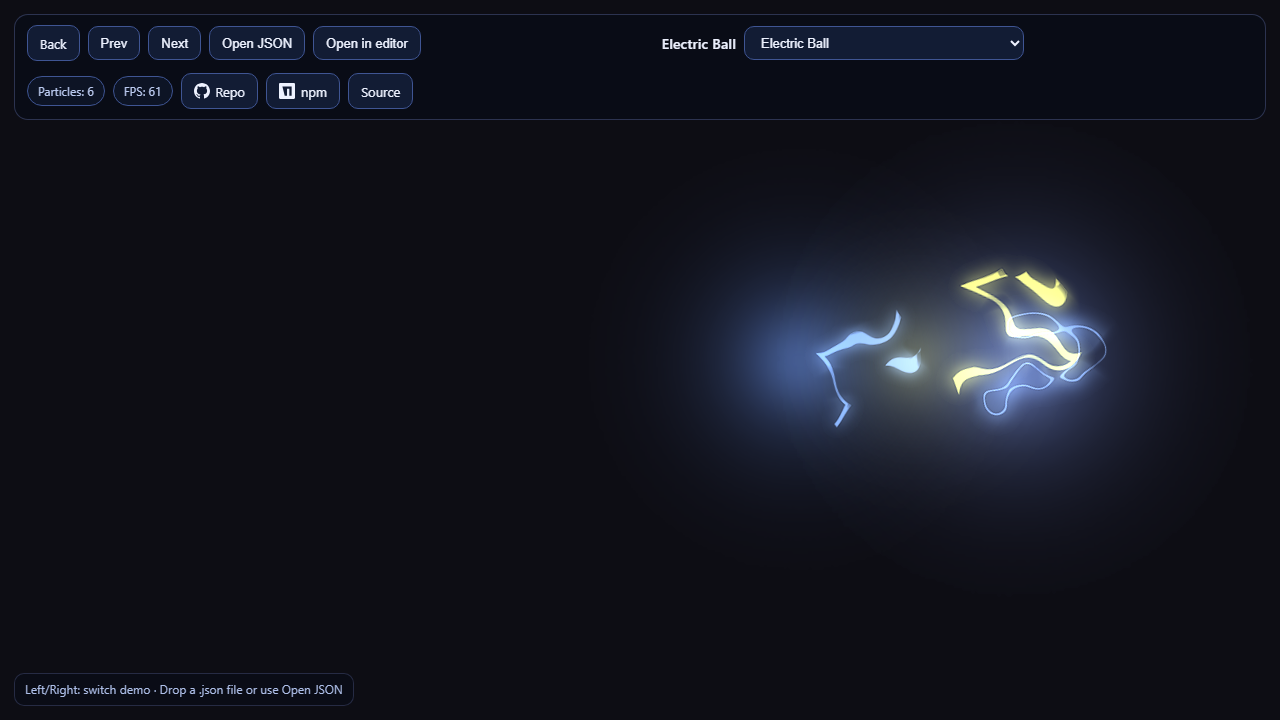
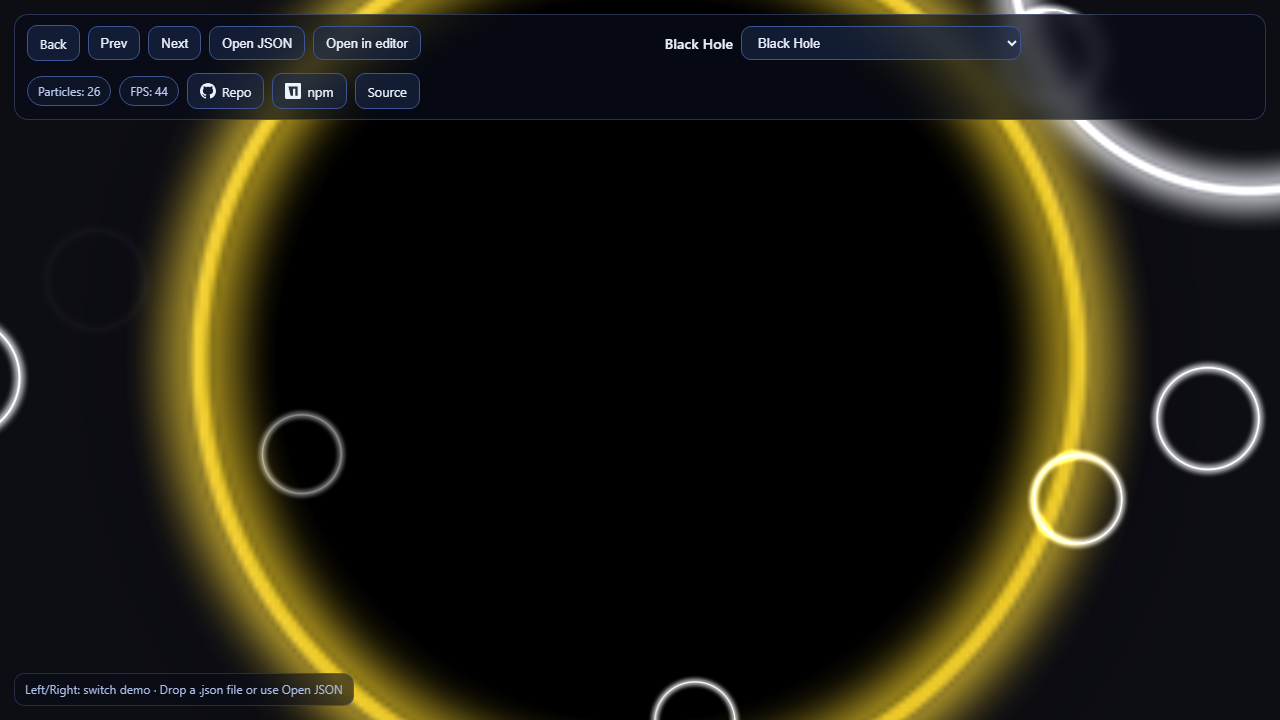
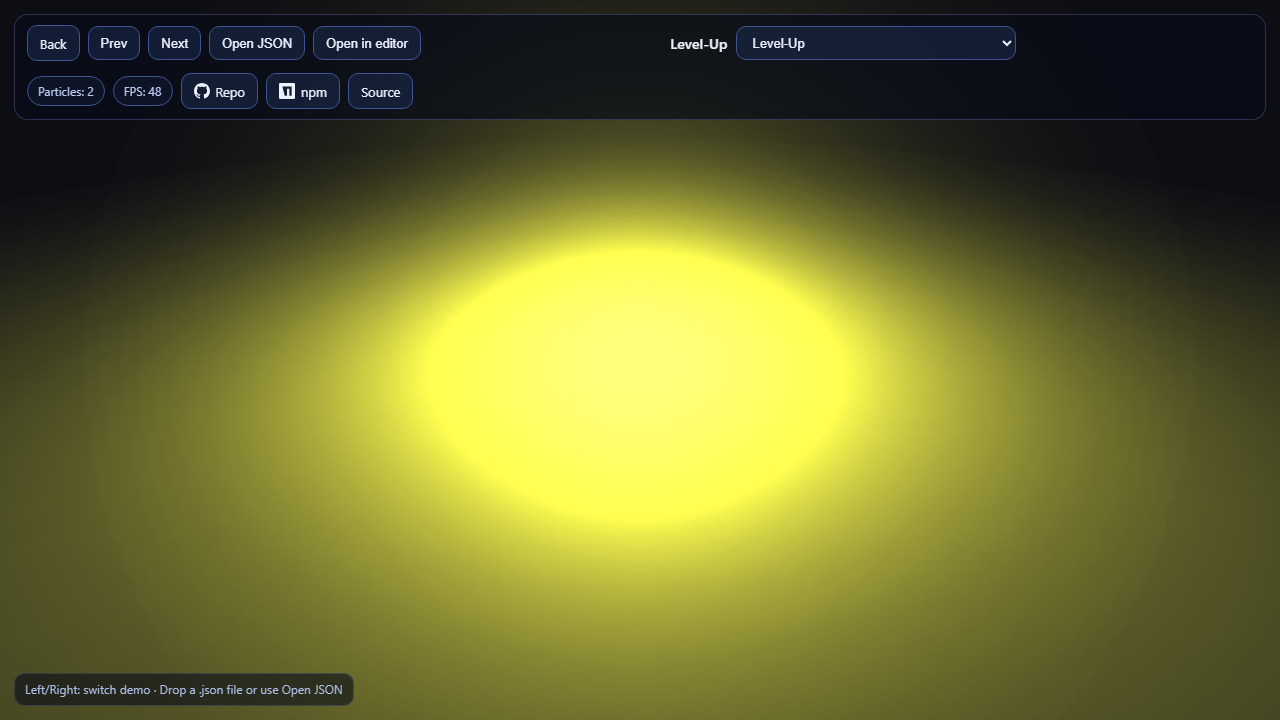
High-performance particle system for Babylon.js. Built on quarks.core (historically derived from quarks.art / three.quarks).
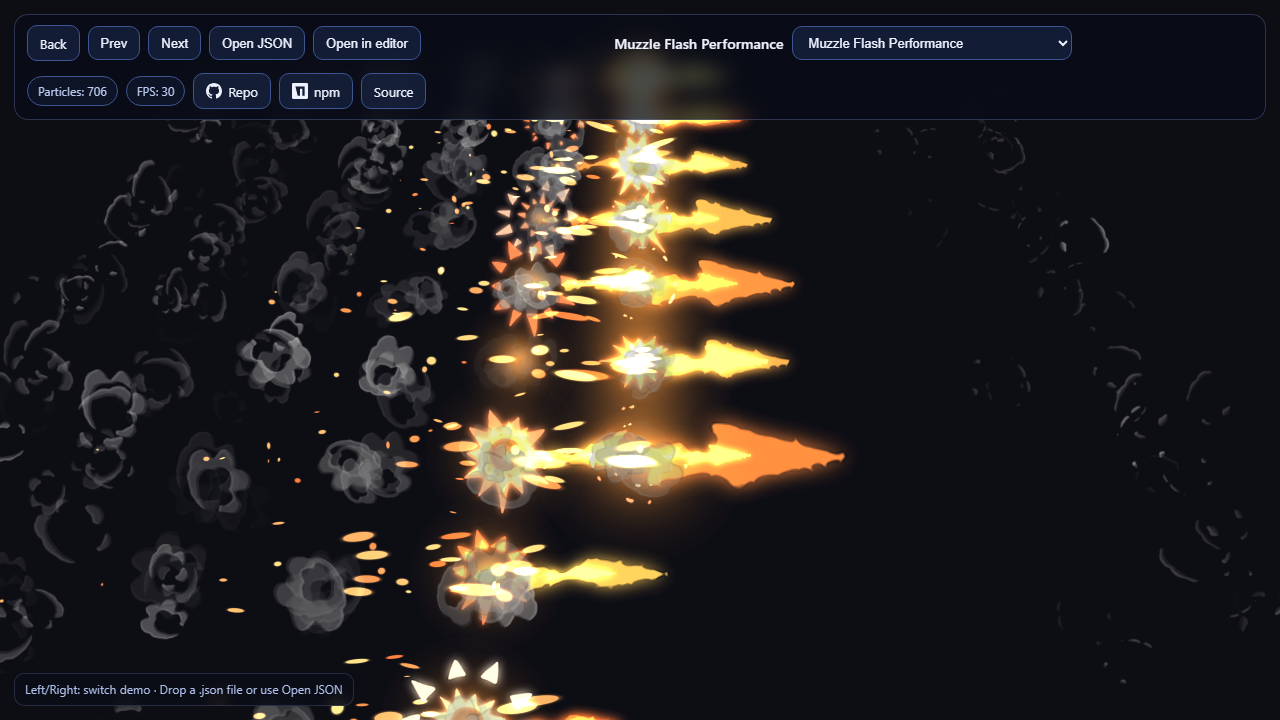 |
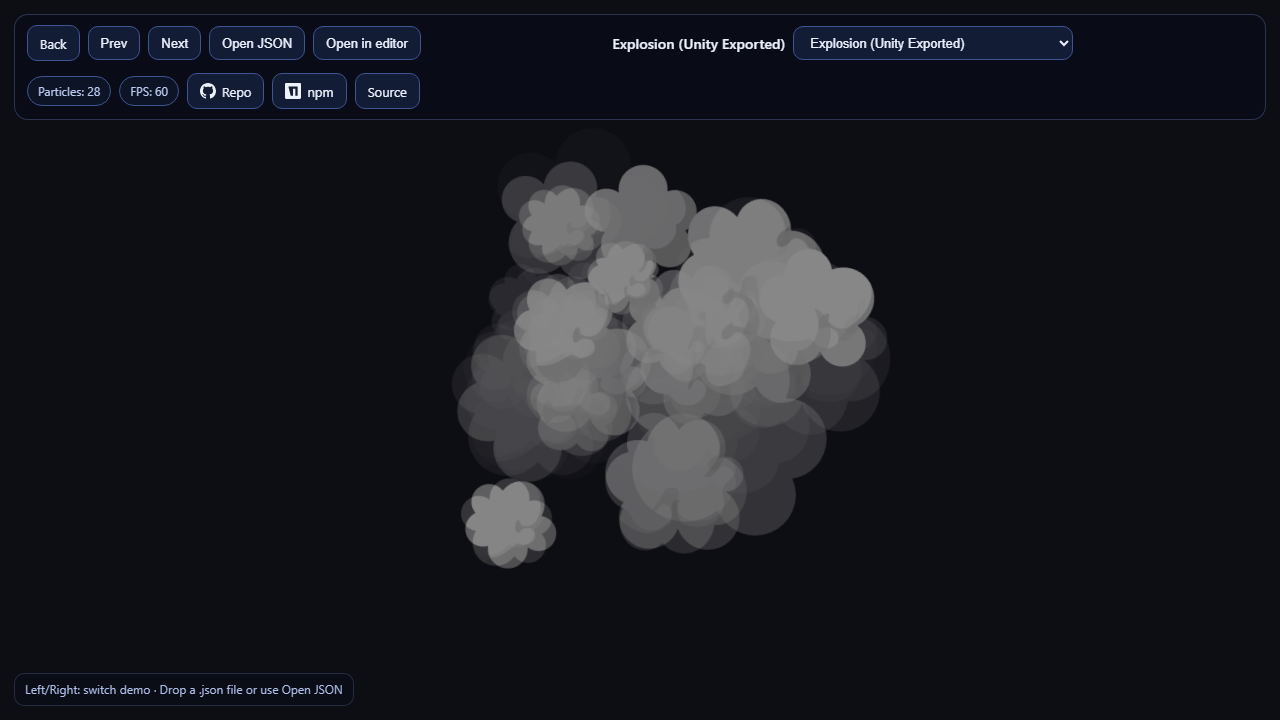 |
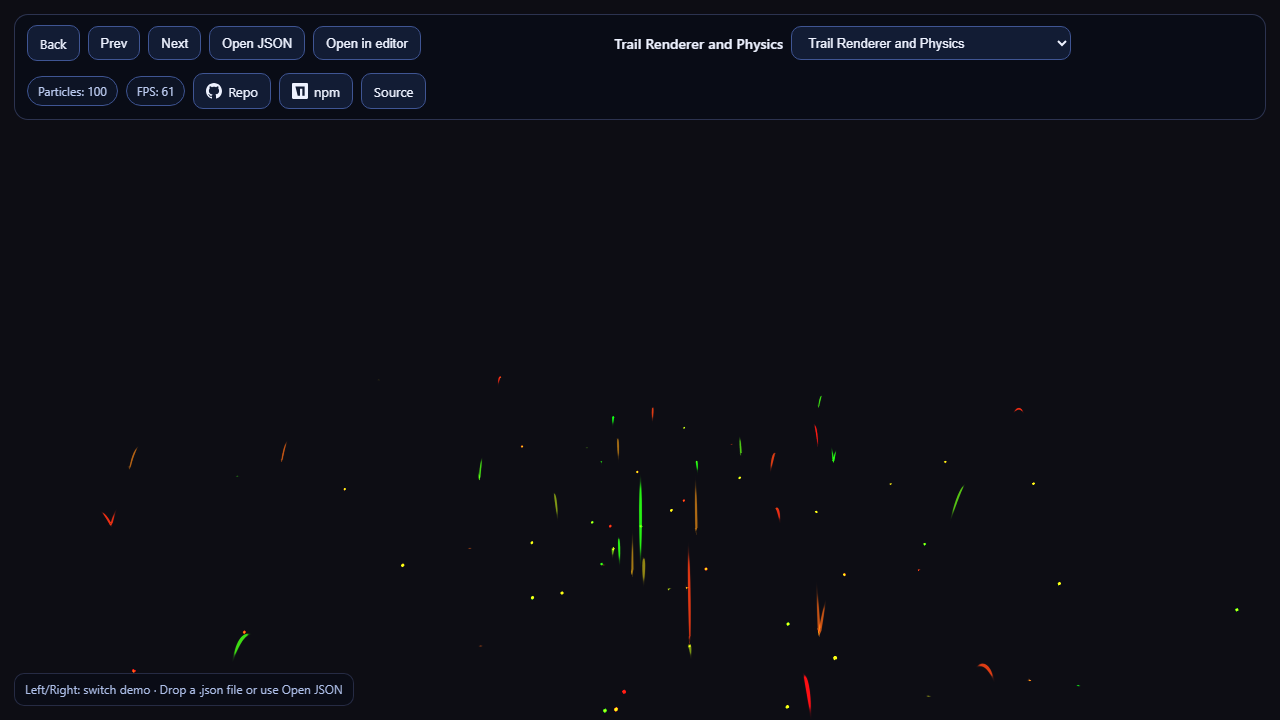 |
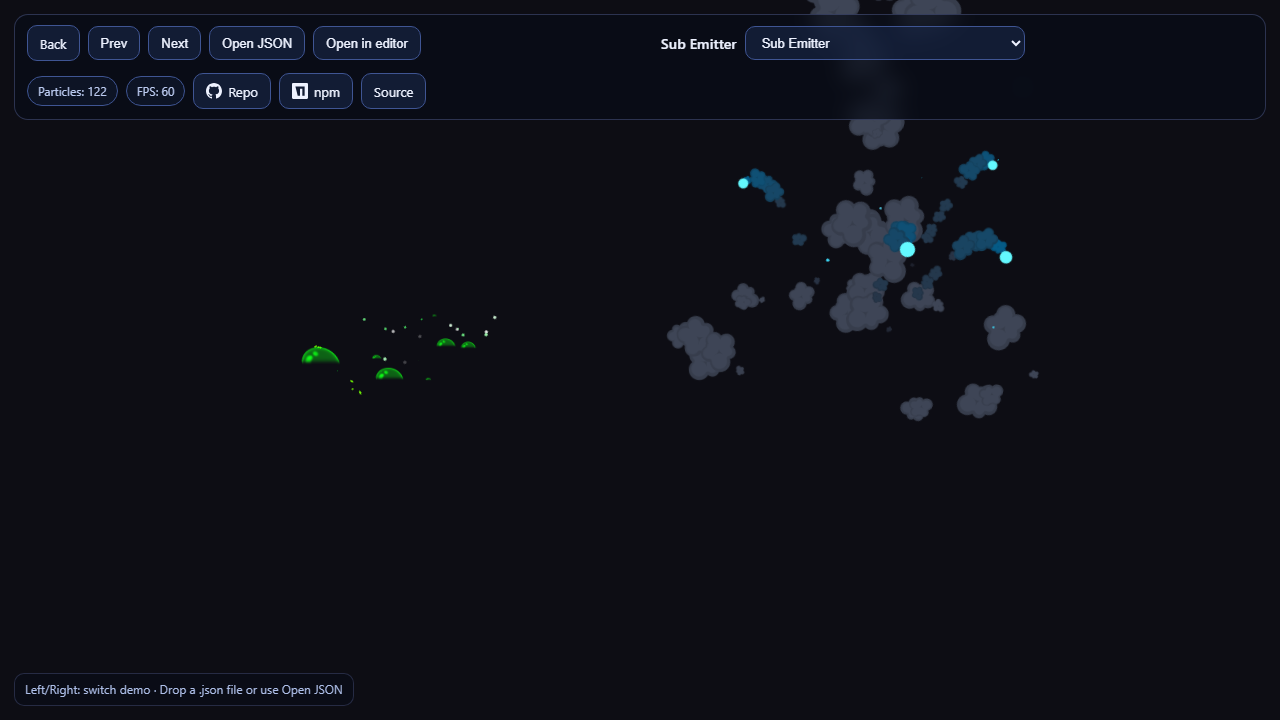 |
 |
 |
 |
 |
Features
- Batched rendering — heterogeneous particle systems share draw calls via
BatchedRenderer. - Render modes — billboard, vertical/horizontal billboard, stretched billboard, mesh particles, and trails (not available in Babylon's built-in particle systems).
- Sub-emitters and a rich set of composable behaviors (color/size/speed over life, noise turbulence, forces, and more from
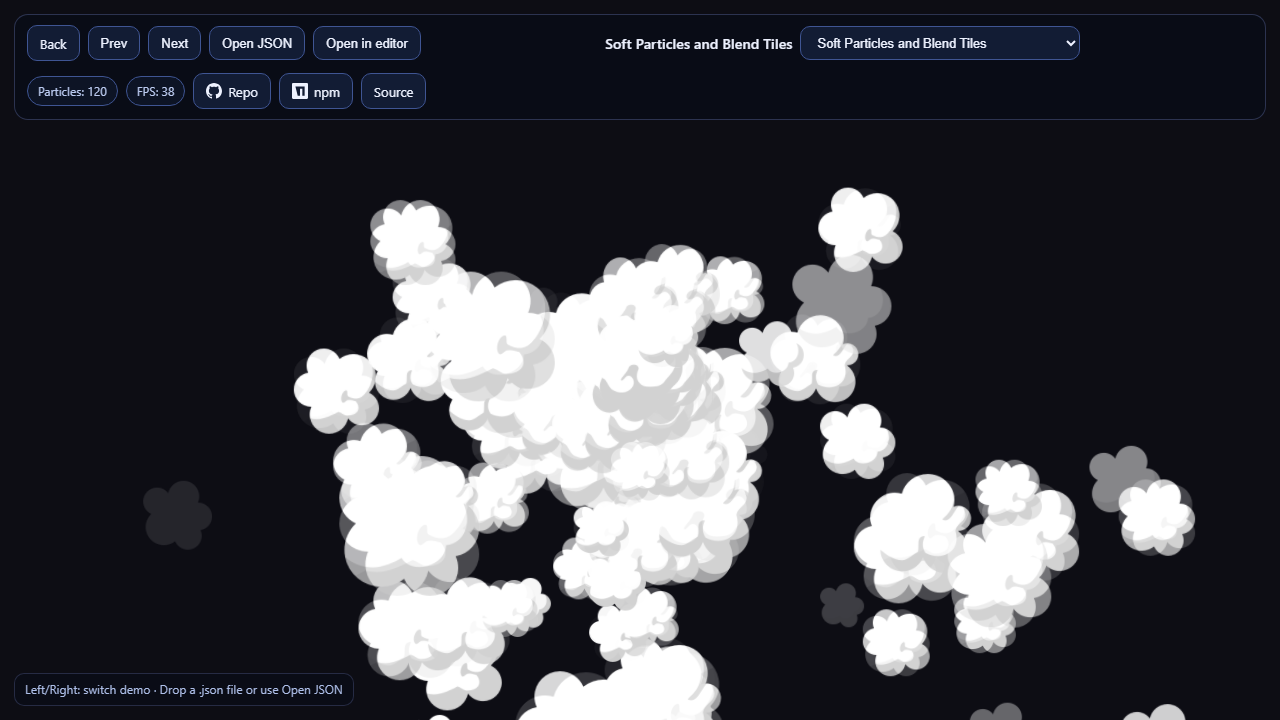
quarks.core). - Soft particles, texture tile animation with blending, custom blend functions.
- Visual authoring — design effects in our own effect editor or export them from Unity, then load with
QuarksLoader(quarks.art-exported JSON also works — same format). - Cross-engine format — the same effect JSON runs in three.js (three.quarks) and Babylon.js.
- Adaptive performance — optional frame-budget quality scaling built into
BatchedRenderer. - WebGL and WebGPU — runs on both Babylon engines; shaders are transpiled to WGSL automatically.
Install
npm install babylon.quarks @babylonjs/core
Peer dependency: @babylonjs/core >= 9.
Quick start
import {Constants} from '@babylonjs/core/Engines/constants';
import {
BatchedRenderer,
ParticleSystem,
PointEmitter,
RenderMode,
ConstantValue,
IntervalValue,
ConstantColor,
Vector4,
} from 'babylon.quarks';
// One renderer per scene; it batches all systems added to it.
const batchRenderer = new BatchedRenderer('particles', scene);
const system = new ParticleSystem({
scene,
duration: 5,
looping: true,
startLife: new IntervalValue(4, 5),
startSpeed: new ConstantValue(1),
startSize: new IntervalValue(1, 2),
startColor: new ConstantColor(new Vector4(1, 1, 1, 1)),
emissionOverTime: new ConstantValue(20),
shape: new PointEmitter(),
renderMode: RenderMode.BillBoard,
texture: myParticleTexture,
transparent: true,
blendMode: Constants.ALPHA_COMBINE,
});
batchRenderer.addSystem(system);
// Advance the simulation every frame:
scene.onBeforeRenderObservable.add(() => {
batchRenderer.update(scene.getEngine().getDeltaTime() / 1000);
});
Use in the Babylon.js Playground
The package ships a UMD bundle (dist/babylon.quarks.umd.min.js, exposed as the BabylonQuarks global) that can be loaded straight from a CDN — no build step needed. Paste this into the Playground:
var createScene = async function () {
var scene = new BABYLON.Scene(engine);
var camera = new BABYLON.ArcRotateCamera('cam', -Math.PI / 2, 1.2, 10, BABYLON.Vector3.Zero(), scene);
camera.attachControl(canvas, true);
await BABYLON.Tools.LoadScriptAsync('https://cdn.jsdelivr.net/npm/babylon.quarks/dist/babylon.quarks.umd.min.js');
const Q = BabylonQuarks;
const batchRenderer = new Q.BatchedRenderer('particles', scene);
const system = new Q.ParticleSystem({
scene,
duration: 5,
looping: true,
startLife: new Q.IntervalValue(2, 3),
startSpeed: new Q.ConstantValue(2),
startSize: new Q.IntervalValue(0.5, 1),
startColor: new Q.ConstantColor(new Q.Vector4(1, 0.6, 0.2, 1)),
emissionOverTime: new Q.ConstantValue(60),
shape: new Q.ConeEmitter({radius: 0.3, angle: 0.4}),
renderMode: Q.RenderMode.BillBoard,
texture: new BABYLON.Texture('textures/flare.png', scene),
transparent: true,
blendMode: BABYLON.Constants.ALPHA_ADD,
});
batchRenderer.addSystem(system);
scene.onBeforeRenderObservable.add(() => {
batchRenderer.update(engine.getDeltaTime() / 1000);
});
return scene;
};
The same bundle works in any plain <script> setup alongside the global babylon.js build:
<script src="https://cdn.babylonjs.com/babylon.js"></script>
<script src="https://cdn.jsdelivr.net/npm/babylon.quarks/dist/babylon.quarks.umd.min.js"></script>
WebGPU
The library runs on Babylon's WebGPUEngine — its GLSL shaders are transpiled to WGSL automatically by Babylon (glslang/twgsl are fetched by Babylon on engine init). Everything except engine creation stays the same:
import {WebGPUEngine} from '@babylonjs/core/Engines/webgpuEngine';
import '@babylonjs/core/Engines/WebGPU/Extensions/index';
const engine = new WebGPUEngine(canvas, {antialias: true});
await engine.initAsync();
// Scene + BatchedRenderer setup is identical to WebGL.
All render modes (billboard, stretched billboard, mesh, trail) are validated to create WebGPU pipelines with zero validation errors. The live demos and the benchmark page accept ?engine=webgpu in the URL to switch engines.
Author & load effects
Design an effect with one of these tools, then load the exported JSON with QuarksLoader:
- Effect editor — our in-house Shuriken-style editor (
babylon.quarks-editor, embeddable in your own app). - Unity exporter — a Unity Editor tool that exports Shuriken Particle Systems to the same JSON format.
- quarks.art — effects exported from the quarks.art editor also load fine, since it's the same JSON envelope.
import {BatchedRenderer, QuarksLoader, QuarksUtil} from 'babylon.quarks';
const batchRenderer = new BatchedRenderer('particles', scene);
const loader = new QuarksLoader(scene);
const effect = await loader.load('effects/explosion.json');
QuarksUtil.addToBatchRenderer(effect, batchRenderer);
QuarksUtil.play(effect);
See the examples app in the monorepo for 18 interactive demos and usage patterns.
Links
License
MIT